db10 Bangladesh — Live Casino Games, Cricket Betting and bKash in One Place
db10 brings live casino tables, fan-favourite slots and cricket betting markets into a single lobby — all accessible from your phone using bKash, Nagad or Rocket. Availability depends on your local law and eligible regions, so check access before you start.
Access may be available only where local law permits.
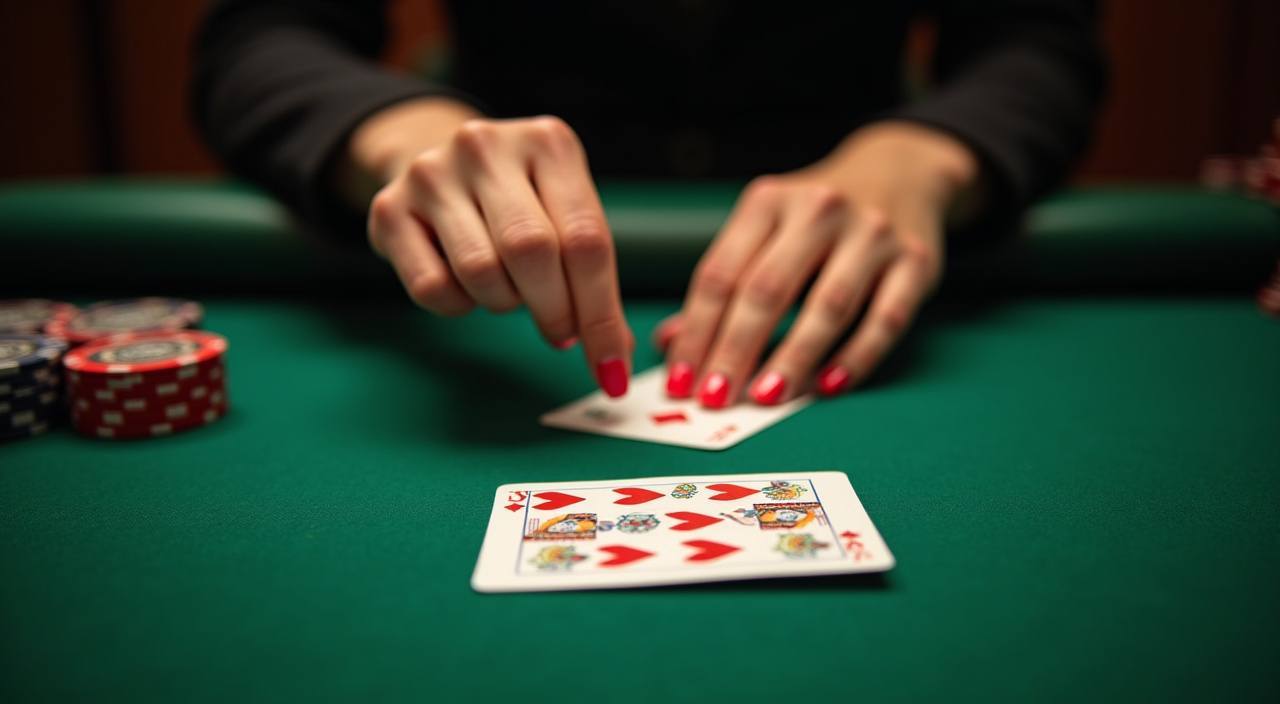
db10 · Bangladesh
Service availability depends on eligible regions and local law. Users should check local rules before opening an account.
Play on any screen — phone, tablet or desktop
Whether you are on an Android phone using the mobile browser, on a tablet or back at your desktop, the db10 lobby and your account wallet stay in sync across every device.


Five steps to your first session on db10
Register
Open the account-creation form, enter your details and verify your mobile number with the OTP sent to your phone.
Deposit
Choose bKash, Nagad or Rocket, send to the number shown at checkout and confirm with your wallet PIN.
Choose a game
Browse the Live Casino, Slots or Sportsbook tab and open the title or market you want — use the search bar to find a specific game fast.
Play
Your session balance is drawn from your account wallet in real time — switch between categories without leaving the lobby.
Withdraw
Head to the account area, request a withdrawal to your registered wallet, complete the verification step and the transfer is processed.

db10 has the tables, slots and markets ready
From live baccarat rooms to crash games and cricket sportsbook markets, the db10 lobby covers every category Bangladesh players open first.
How we protect your account and data
Security on db10 runs across four layers — connection, login, transaction and data storage. These are not marketing claims; they are the practical steps that keep your account from being accessed by someone who is not you, and that keep your wallet movements traceable. Players in Dhaka and elsewhere who use mobile wallets daily will recognise most of these steps from their banking apps — we apply the same discipline to your db10 account.
The full lobby from your phone — no install needed
db10 is built for mobile-first use. The lobby, live casino tables, crash games and your account wallet all load through your mobile browser on Android or iOS — no app store download is required. Baccarat Expresslane and Crash Hyper both run without lag on mid-range Android handsets. Your bKash and Nagad deposit steps are the same on mobile as on desktop, so switching devices mid-session does not reset anything in your account. If you prefer the larger screen for live tables, the desktop version picks up exactly where mobile left off.

Live casino, slots and Crash Hyper — what we carry
The db10 lobby runs live baccarat tables including Baccarat Viproom and Baccarat Expresslane, alongside slot rooms powered by Pragmatic Play and PG Soft titles such as Gates of Olympus and Mahjong Ways. Crash Hyper and Football Express Bet sit in their own category for players who prefer short-round formats. Every category is available from your mobile browser — no separate download needed to reach the full catalogue.
Hot Teen Patti Blitz
 Hot
Hot Slot Starfire
Nagad Quickcash
Baccarat Viproom
Slots Nagad Quickcash
Slots Baccarat Viproom
Teen Patti Blitz
Slot Starfire
Live Teen Patti Blitz
Live Slot Starfire
Nagad Quickcash
Baccarat Viproom
Top Teen Patti Blitz
Top Slot Starfire
Nagad Quickcash
Baccarat Viproom
Fish Teen Patti Blitz
Fish Slot Starfire
Nagad Quickcash
Baccarat Viproom
Three ways to get account help at db10
Account queries, wallet issues and game-access questions all have a clear route to a response. We staff three support channels so you can pick the one that fits the urgency of your situation — live chat for immediate issues, email for anything that needs a written record, and mobile wallet help for bKash, Nagad and Rocket transaction queries specifically.
Member offers at db10

An opening offer is available for new accounts accessing the live casino section — check the promo board after your first deposit for the current terms. Terms apply.
Open Your Account
New accounts placing their first sportsbook activity on cricket markets may find a matching offer in the account promo area. Terms apply.
Open Your AccountFour things to know before you jump in
Before you open your account, it helps to know how the lobby is laid out, what wallet options are available, and where to reach the team if something feels unclear. Here is a quick snapshot of the four essentials every new account holder checks first on db10.
Create your account
Hit the account-creation button, fill in your details and verify your mobile number with the OTP sent to your phone. The whole process takes under two minutes and your lobby access opens immediately after confirmation.
Pick your wallet
bKash, Nagad and Rocket are the three local rails we support. Open your preferred wallet app, send to the account number shown at checkout, confirm with your PIN and the balance reflects on your db10 account shortly after.
Choose where to play
The lobby is split into Live Casino, Slots, Crash Games and Sportsbook. Cricket betting markets sit under the Sportsbook tab — BPL and international matches are where most Bangladesh accounts spend their session time.
Reach us if you need help
Live chat is the quickest route for account questions. If your query needs more detail, our email support channel handles it with a written trail you can refer back to — useful for wallet or transaction queries.
What is running this week on db10


Platform at a glance
Payment methods we accept at db10
Every deposit and withdrawal on db10 runs through payment rails that Bangladesh accounts already use every day. bKash and Nagad are the most-used options — send from your app, confirm with your PIN, and the balance appears on your account. Rocket works the same way for accounts linked to Dutch-Bangla Bank. Bank Transfer is available for larger movements where wallet limits apply. Withdrawal requests follow a verification step where the receiving wallet must match the one used for the deposit — this protects your account and keeps the transaction record clean.
bKash
Nagad
Rocket
Bank Transfer
Frequently asked questions about db10
These are the questions we hear most often from Bangladesh account holders — about wallets, account access, game categories and withdrawal steps. If your question is not here, live chat or email will get you a direct answer.
How to navigate db10 from your first session
The main navigation bar at the top of every page splits the lobby into Live Casino, Slots, Crash Games and Sportsbook. Switching between them does not reset your session or clear your wallet balance. To find a specific game like Holdem Pocket or Barisal Bonus Spin, use the search bar in the top-right corner — type part of the name and the catalogue filters instantly. The account area, where you check your balance, view transaction history and update your wallet details, sits behind the account icon in the top-right.
All live dealer tables — including Baccarat Viproom, Dragon Tiger and roulette rooms from Evolution — are listed here. Filter by game type or studio to narrow down the table you want quickly.
Slots from Pragmatic Play and PG Soft load under the Slots tab. Crash Hyper and similar short-round titles have their own Crash category — look for the lightning icon in the nav rail.
The Sportsbook tab carries cricket markets for BPL and international matches alongside football and kabaddi. Select cricket from the sport filter, then pick the match — odds and market types are shown on the event page.
Tap the account icon to reach your balance, deposit history and withdrawal requests. Your linked bKash, Nagad or Rocket wallet number is shown here — update it only through the verified change process to keep your transaction records accurate.